-
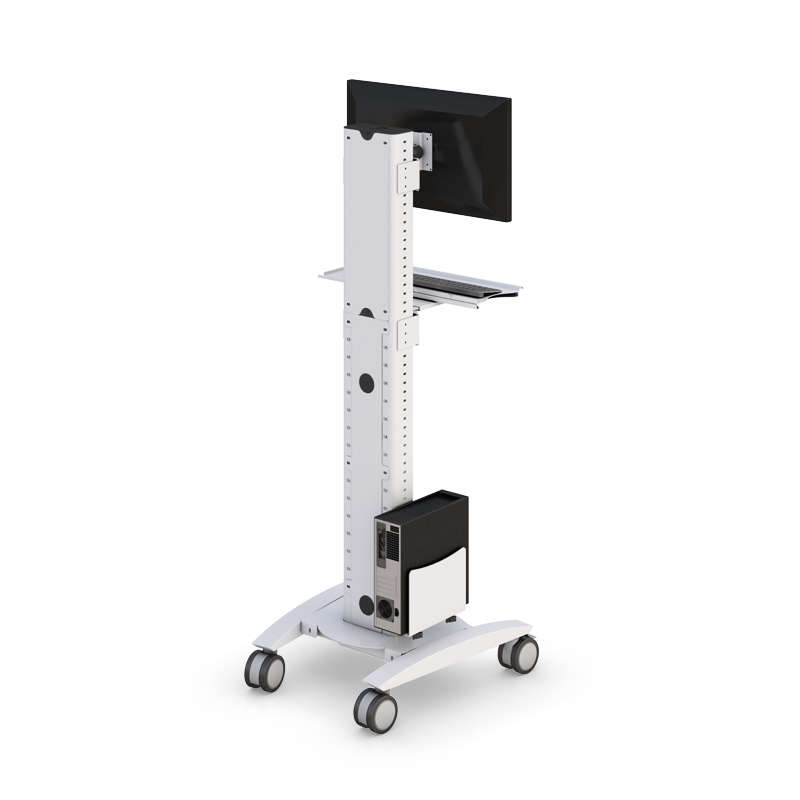
Computer Carts
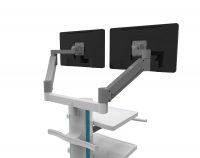
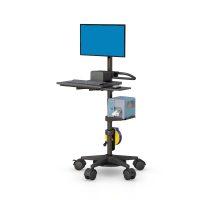
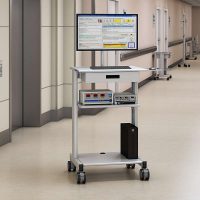
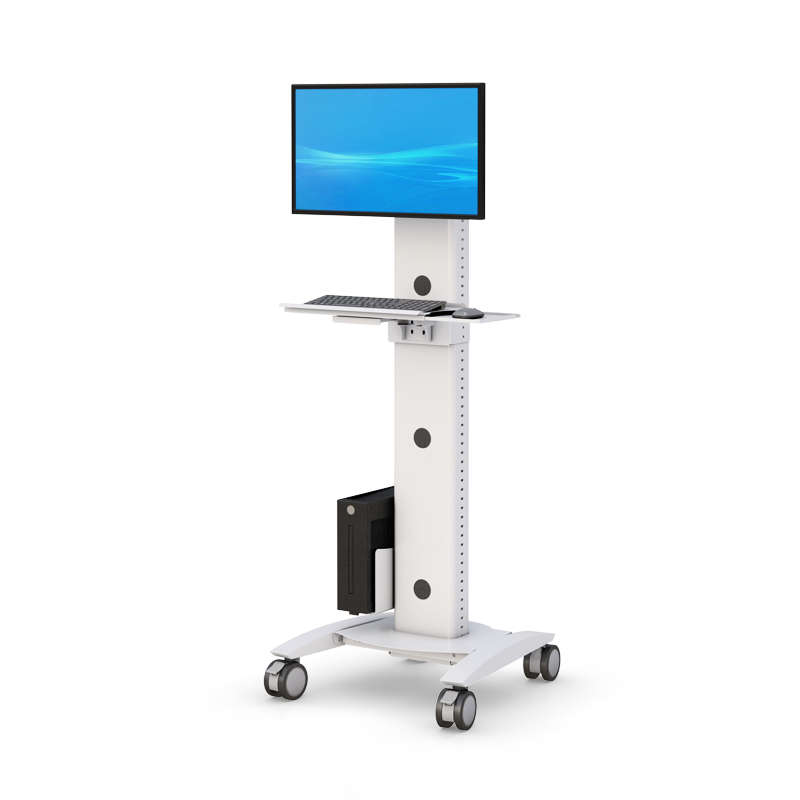
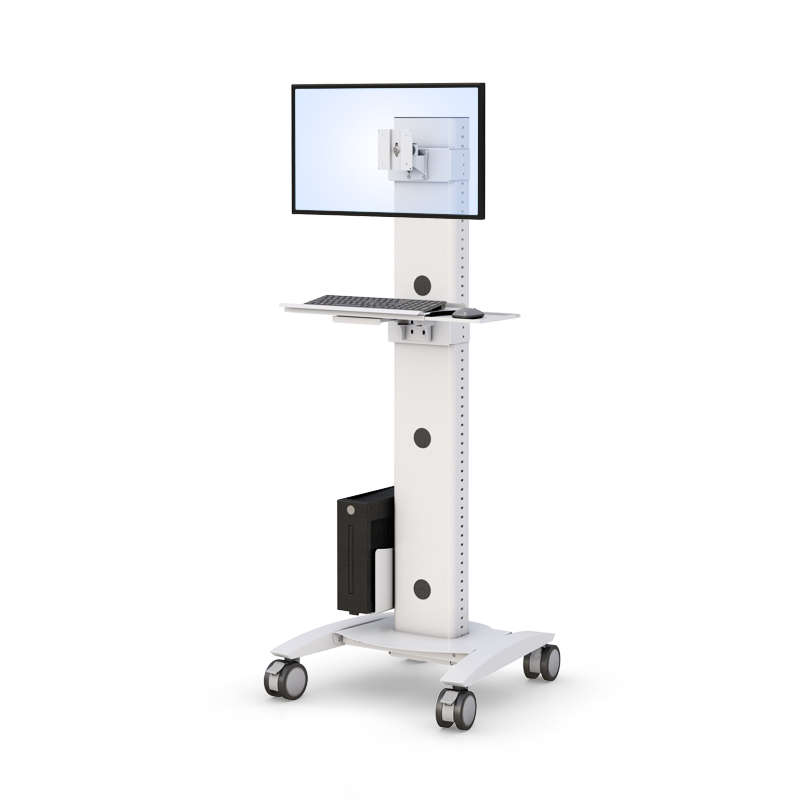
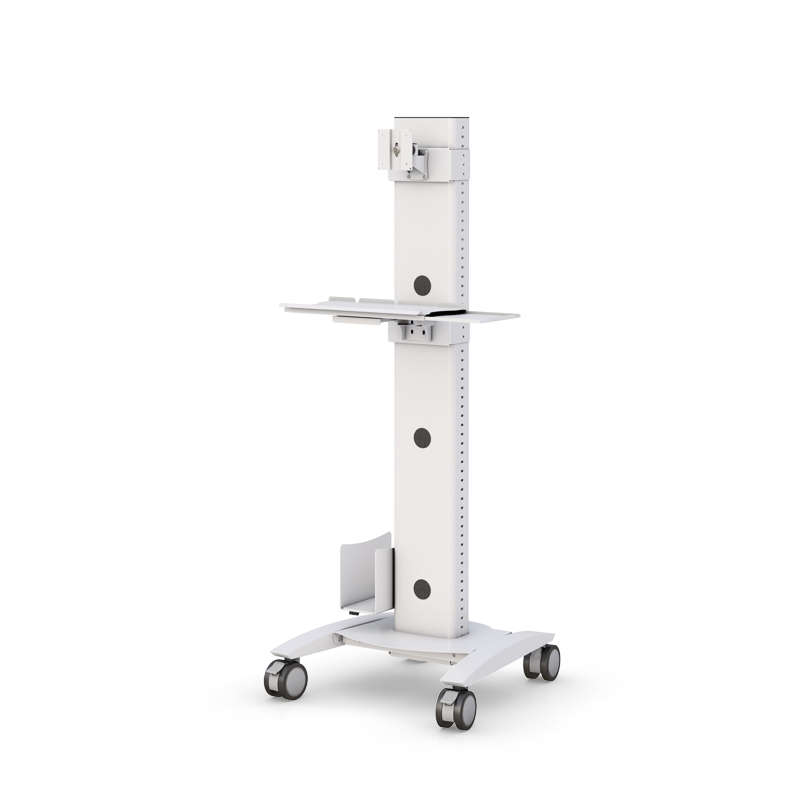
Computer Kiosk Station
- Model: MLCD200_2FZ5_3FZ5
- Sku: 772674
Overview
The Computer Kiosk Station is a structured, secure workstation designed to support centralized digital access in healthcare, government, retail, education, hospitality, and enterprise environments. As a professional-grade computer kiosk, it provides a defined platform for computer hardware, touch screen interaction, and task-based applications.
Organizations deploy computer kiosk stations to support self service access, internal services, and controlled user interaction in high-traffic areas. Whether used for check-in, information display, reporting, or wayfinding, kiosks help improve operational efficiency while maintaining secure system access.
Across Pennsylvania facilities, this solution supports healthcare institutions, government buildings, offices, schools, and business environments seeking durable kiosk solutions that integrate hardware, software, and structured deployment planning.
What Is a Computer Kiosk Station?
A computer kiosk station is a purpose-built system designed to house computer hardware within a compact, secure enclosure. Unlike traditional desks, kiosks are engineered for interactive, standing, or transitional use.
Modern touch screen computer kiosks support:
-
- – Self service check-in
- – Visitor registration
- – Information browsing
- – Wayfinding applications
- – Secure access to internal systems
- – Digital signage integration
- – Self service check-in
These kiosks may function as tablet kiosk units, full computer kiosk terminals, or interactive kiosks depending on deployment needs. The primary goal is to provide easy, controlled access to digital services without dedicating full office furniture.
By integrating the computer, display, and mounting structure into a single system, organizations maintain cleaner environments while improving visibility and user engagement.
Key Features
The Computer Kiosk Station is designed to offer reliable performance across a variety of industries.
Secure Hardware Integration
-
- – Supports computer hardware, thin clients, or embedded systems
- – Designed to accommodate touch screen displays
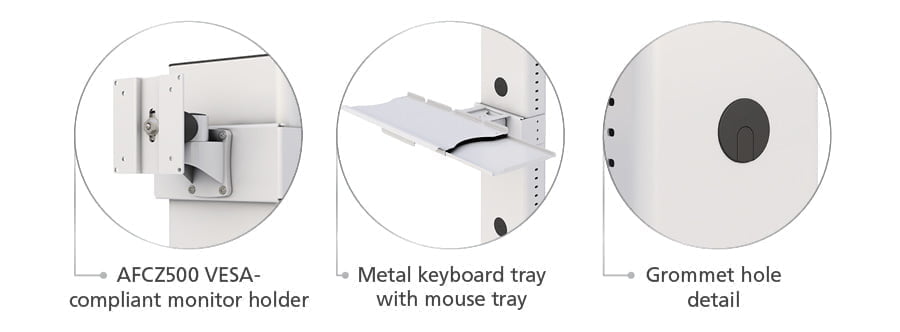
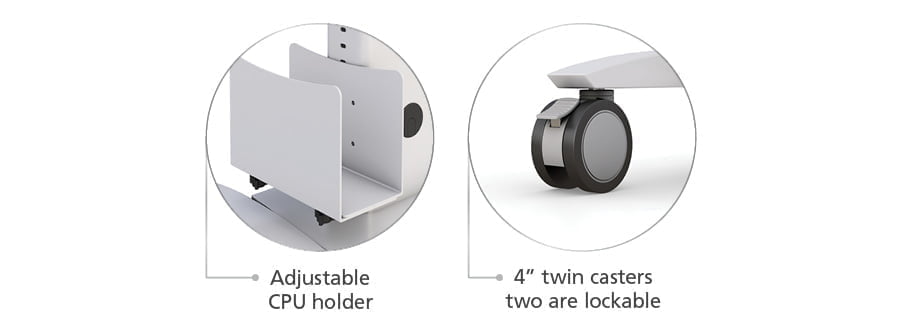
- – Structured internal mounting for secure equipment placement
- – Optional integration for scanners or printers
- – Supports computer hardware, thin clients, or embedded systems
Touch Screen & Interactive Capability
-
- – Compatible with touch screen computer kiosks
- – Supports interactive applications for customers, visitors, or staff
- – Designed for self service interaction in public-facing environments
- – Compatible with touch screen computer kiosks
Durable Construction
-
- – Built for healthcare, government, retail, and hospitality environments
- – Designed to remain stable in high-traffic areas
- – Engineered to withstand repeated daily use
- – Built for healthcare, government, retail, and hospitality environments
Compact & Organized Design
-
- – Integrated cable management
- – Secure enclosure to protect hardware
- – Designed to fit corridors, offices, schools, and public facilities
- – Integrated cable management
Self Service & Interactive Applications
Computer kiosk stations are commonly deployed to improve service delivery and operational accuracy.
Typical self service applications include:
-
- – Patient check-in in healthcare facilities
- – Visitor registration in government buildings
- – Retail browsing or product lookup
- – Hospitality guest information systems
- – Education campus information stations
- – Event check-in and engagement kiosks
- – Patient check-in in healthcare facilities
Interactive kiosks allow users to browse services, access applications, and complete tasks independently. This reduces staff workload while improving efficiency and customer experience.
Touch screen technology enhances usability and visibility, making kiosks ideal for environments requiring quick, intuitive digital interaction.
Hardware, Software & System Integration
A complete computer kiosk station supports both hardware and software integration.
Hardware components may include:
-
- – Computer systems
- – Touch screen displays
- – Scanners
- – Printers
- – Tablet kiosk platforms
- – Peripheral mounting options
- – Computer systems
Software integration may support:
-
- – Registration systems
- – Self service applications
- – Digital signage content
- – Business or enterprise applications
- – Wayfinding programs
- – Registration systems
The kiosk system is designed to connect securely to existing infrastructure while supporting upgrade flexibility as technology evolves.
Configuration & Customization Options
Every deployment environment has unique needs. The Computer Kiosk Station is designed to offer flexible configuration options.
Options may include:
-
- – Touch screen display size variations
- – Tablet kiosk or full computer kiosk configurations
- – Printer or scanner integration
- – Secure enclosure variations
- – Surface-mounted or freestanding placement
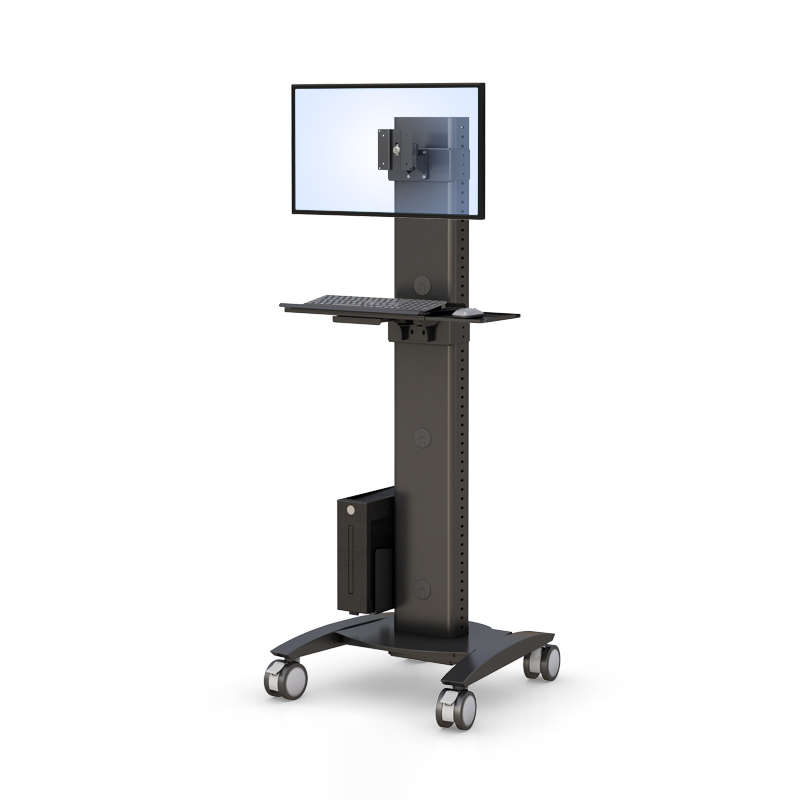
- – Customizable finishes for business or public environments
- – Touch screen display size variations
Configurations may vary depending on healthcare, retail, hospitality, education, or government requirements.
Organizations can select a range of options to fit workflow, space constraints, and application requirements.
Industry Use Cases
Computer kiosk stations are deployed across multiple industries in the USA, including:
-
- – Healthcare facilities
- – Government offices
- – Retail stores
- – Hospitality venues
- – Schools and universities
- – Corporate offices
- – Industrial and business environments
- – Healthcare facilities
In each case, kiosks provide a structured way to deliver digital services while maintaining hardware protection and organized space management.
Benefits of Computer Kiosks
Organizations implementing computer kiosks often aim to:
-
- – Improve service efficiency
- – Increase engagement with customers and visitors
- – Reduce wait time
- – Improve data accuracy
- – Provide secure system access
- – Offer a professional and sleek digital interface
- – Improve service efficiency
By integrating interactive kiosks into high-traffic areas, organizations create more effective digital touchpoints.
FAQs
What industries are computer kiosk stations ideal for?
They are ideal for healthcare, government, retail, hospitality, education, and business environments requiring structured digital access.
Can it support touch screen computer kiosks?
Yes. The station is designed to accommodate touch screen displays for interactive use.
Is it suitable for self service applications?
Yes. The kiosk can support self service systems such as check-in, registration, browsing, and wayfinding.
Can it integrate printers or scanners?
Configurations may include integration for printers, scanners, and other peripheral devices.
Is it secure for public use?
Yes. The secure enclosure is designed to protect hardware in public or shared environments.
How can we request product information?
Contact AFC Industries PA to request product details, configuration guidance, or a quote for your kiosk deployment.
Request a Quote or Product Assistance
If you are evaluating a Computer Kiosk Station, our Pennsylvania-based team can assist with selecting the appropriate configuration for your healthcare, government, retail, or business environment.
We offer:
-
- – Configuration guidance
- – Hardware compatibility review
- – Deployment planning
- – Integration support
- – Configuration guidance
Contact AFC Industries PA today to request product information, explore kiosk options, and begin planning your self service or interactive kiosk deployment.
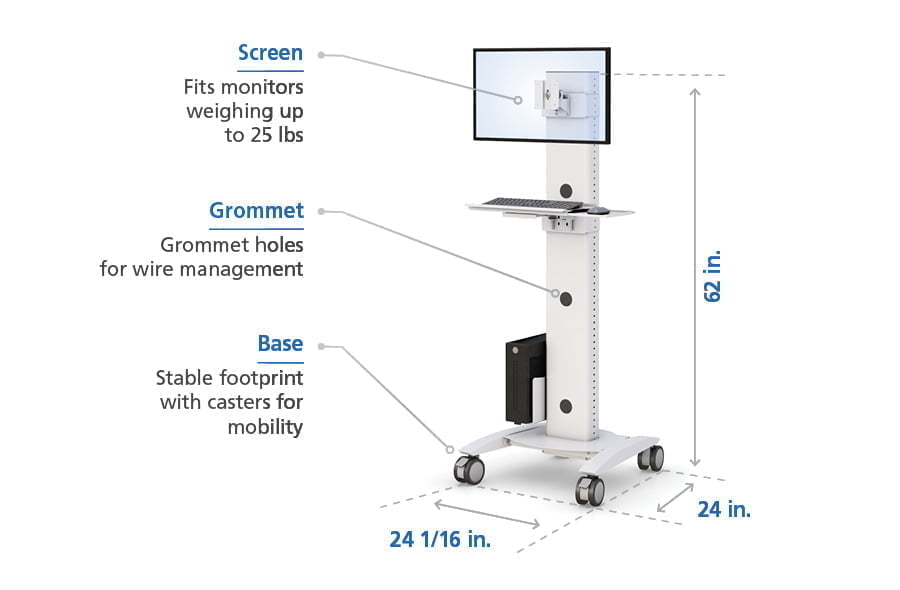
Computer Kiosk Station Features